Check-In Asset/Accessory
Asset
- Choose the deployed asset
- Click “Action” on the top right corner and choose “Checkin Asset”
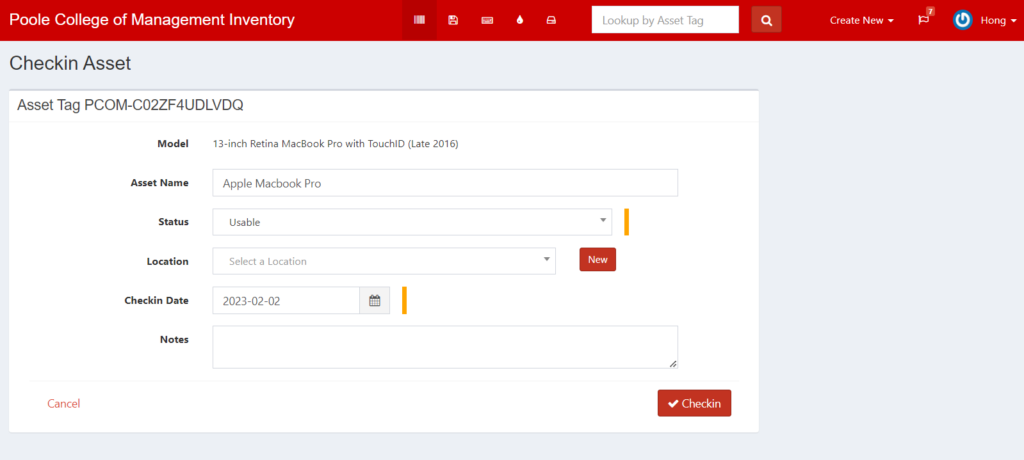
- Status: Usable
- Checkin Date: the date asset is returned
- Click “Checkin”
Accessory
- Click on the name of the accessory to bring up a list of users that checked out the item
- Find the user who is returning the accessory
- Click “Checkin”
Note: The quantity should automatically increase/decrease depending on your action. If the quantity did not change, manually edit the accessory and change the quantity.